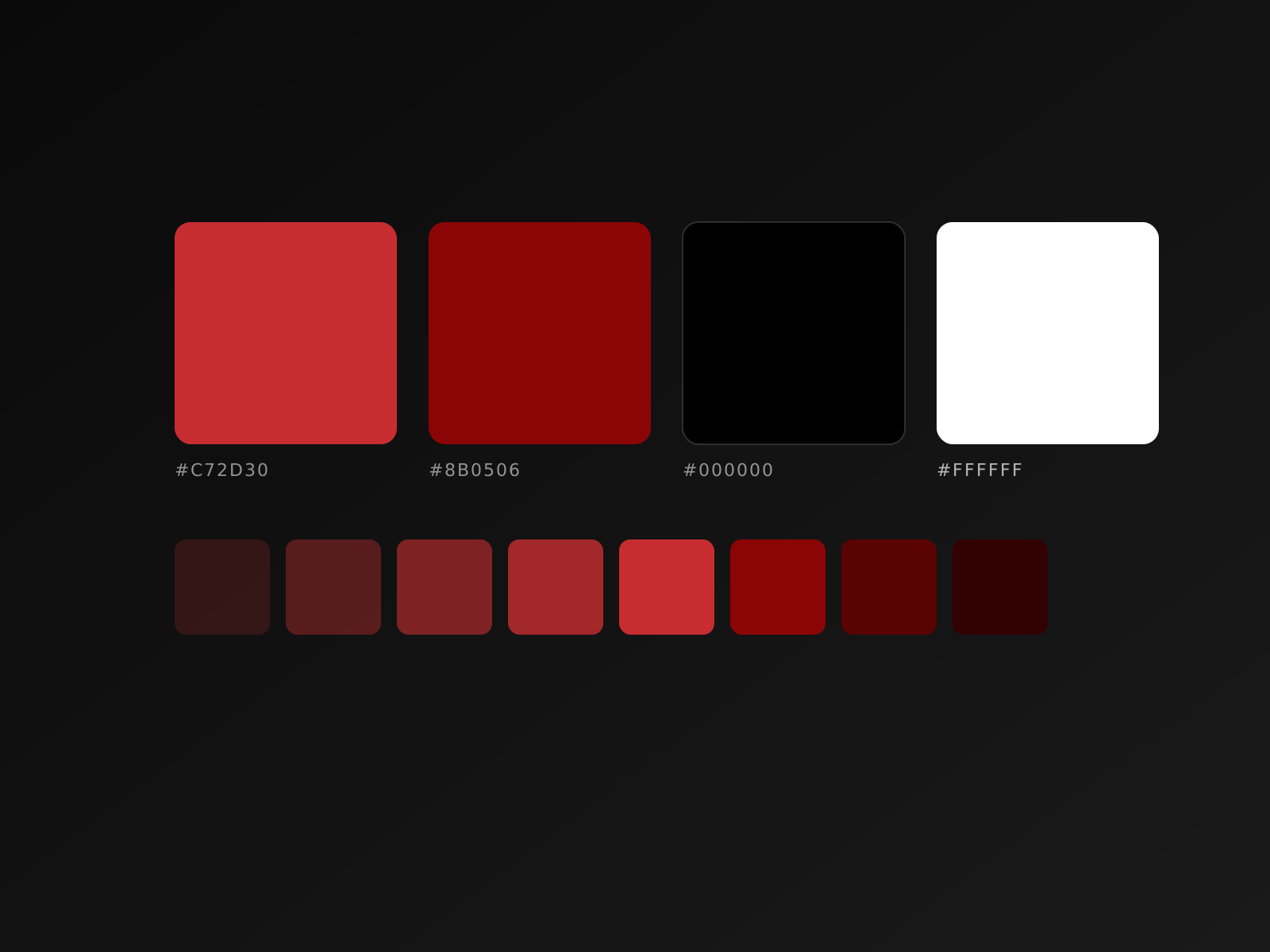
A brand color palette looks beautiful in Figma. It dies the moment a developer hardcodes #FF0000 because the design file didn't load.
This is the difference between a palette that wins awards and one that wins implementations.
The three palette layers
We build every brand system in three layers:
Layer 1: Raw colors. The actual hex values. Usually 8-12 swatches: primary, secondary, neutrals (5 shades of gray minimum), and semantic colors (success, warning, error).
Layer 2: Semantic tokens. Names like text-primary, bg-surface, border-subtle. Developers reference these, not raw hex values. When the brand evolves, you update one place.
Layer 3: Component-specific tokens. button-primary-bg, alert-error-text. Built on top of semantic tokens. This is where teams usually go wrong by skipping the semantic layer.
What kills palettes
In our experience, three things destroy brand palettes once they hit production:
- No dark mode plan. The client adds dark mode six months later, and the original palette has no answers. Every shade needs a dark counterpart from day one.
- Insufficient neutrals. Two grays isn't enough. We use a 5-step neutral scale (50, 200, 400, 600, 900) as the foundation. UIs live in the neutrals; the brand color is the spice.
- No contrast guidelines. Designers pick beautiful colors that fail WCAG AA contrast on screen. Every primary color combination needs documented contrast ratios.
What we always include in deliverables
The brand guidelines PDF is for the boardroom. What developers actually need:
- Tailwind config snippet with the full palette as
theme.extend.colors
- CSS custom properties file (
--color-primary: #...)
- Figma library with all colors as Styles (not local fills)
- A web page (live, not PDF) showing every color with its hex, RGB, contrast ratios, and intended use
The goal: a developer should be able to start a new project and have the brand correctly applied in 5 minutes, not 5 hours.
Need a brand system that actually ships? Let's build one together.